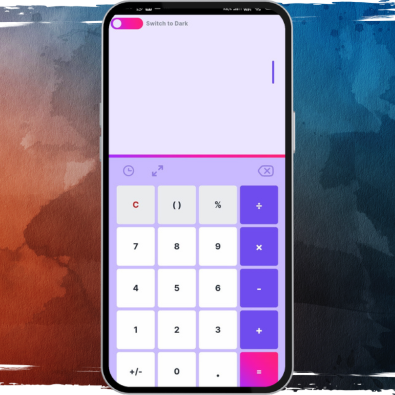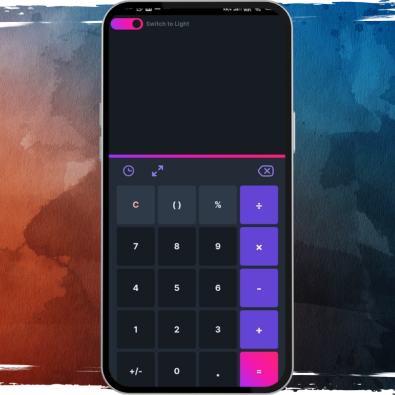


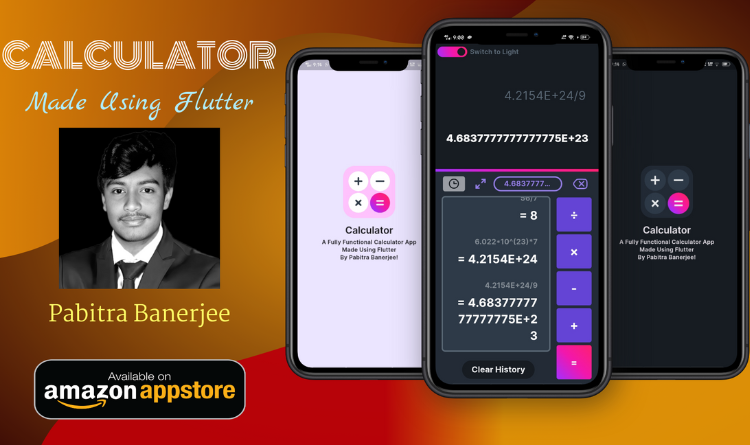
The Scientific Calculator app, developed by Pabitra Banerjee, is a powerful yet lightweight and open-source Android application. Designed for both everyday calculations and advanced scientific computations, it prioritizes privacy by requiring no backend data collection. The app features an intuitive interface, responsive controls, error handling, and supports a wide array of functions including trigonometry, logarithms, exponentials, and more.
We focused on creating a secure, high-performance calculator app using Flutter. Customizable UI components allow both Light and Dark modes, adaptive input font sizing, and smooth navigation. Each function was carefully designed to ensure accurate calculations, intelligent bracket and operator management, and a user-friendly experience.
Leveraging Flutter enabled seamless performance across Android devices. The app features scrollable input fields, smart cursor control, a history log for past calculations, and angle unit toggling (Radians/Degrees). Advanced functions, persistent settings storage, and error handling were implemented to make the app reliable for scientific, academic, and professional use.
A major challenge was ensuring precise handling of complex equations and error-free input management. We addressed this by implementing a robust equation parsing algorithm and optimizing Flutter’s input handling capabilities, all while keeping the app lightweight and responsive.
The app was successfully launched, receiving positive feedback for its intuitive interface, comprehensive functionality, and privacy-focused design. Users can perform both basic and advanced scientific calculations efficiently. The Flutter implementation ensures smooth performance on all Android devices, making it a versatile tool for students, professionals, and enthusiasts alike.